
How to Use IPTV: A Simple Guide for Beginners
What is IPTV and How Does It Work?
IPTV stands for "Internet Protocol Television." In simple terms, it means watching television channels through your internet connection instead of traditional satellite or cable.
Your IPTV provider sends a stream of content directly to your device. All you need is a good internet connection and a compatible device to start watching thousands of channels from around the world.
What You Need to Get Started
Getting set up with IPTV is simple. You only need three basic things to begin your streaming journey.
1. A Fast Internet Connection
A stable internet connection (at least 15-20 Mbps is recommended) ensures you can stream in high quality without buffering.
2. An IPTV Subscription
You'll need a subscription from an IPTV provider. This will give you the login details or playlist link needed for setup.
3. A Compatible Device
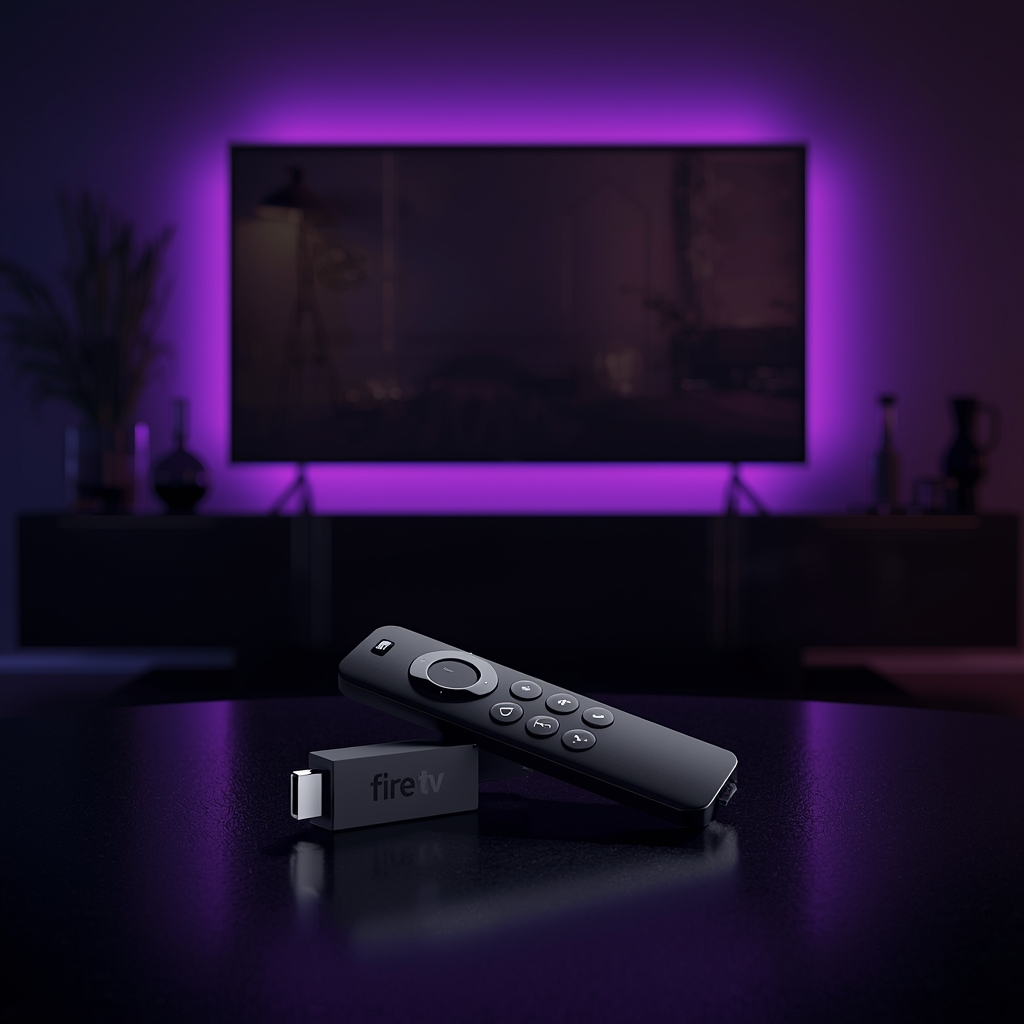
You can use IPTV on many devices, including Firestick, Smart TVs, Android boxes, smartphones, and computers.
The 4-Step Guide to Using IPTV
Follow these simple steps to get your IPTV service up and running in minutes.
- Step 1: Choose Your Device
Decide if you'll be watching on your Smart TV, a Firestick, a computer, or your phone. - Step 2: Install an IPTV App
Go to your device's app store and install an IPTV player app. There are many simple and advanced players to choose from. - Step 3: Enter Your Subscription Details
Open the app and enter the login credentials or M3U playlist URL provided by your IPTV service. - Step 4: Load Channels and Start Watching
The app will load all the channels, movies, and series included in your plan. Browse the categories and enjoy!
Quick Tip
When you get your subscription, save your login details in a safe place. This makes it easy to set up your service on new devices or re-install your app if needed.
Frequently Asked Questions
Devices like the Amazon Firestick and Android TV boxes are very popular because they are affordable and easy to use. However, most modern Smart TVs also work perfectly.
Not at all! The setup process is very beginner-friendly. Most users can get everything working in less than 10 minutes just by following the steps in this guide.
This depends on your IPTV provider and the plan you choose. Some providers allow multiple connections, so you can watch on your TV and smartphone at the same time.
Ready to Start Your IPTV Experience?
Get started with a premium IPTV experience for Firestick, Smart TV, and Android devices. Fast activation, simple setup, and support when you need it.