

IPTV MAG Box UK 2026 — Setup, Portal URL & MAC Address Guide
Setting up an IPTV MAG box in the UK is quick once you know the steps — this guide walks through connecting, configuring, and troubleshooting your device.

- A MAG box is a Linux-based IPTV set-top box (made by Infomir) that connects to your TV via HDMI
- Setup uses a portal URL and MAC address — no app store or extra software needed
- MAG boxes (MAG 254, 322, 324, 420) are popular because they are dedicated, reliable, and simple to configure
- TVLine UK provides portal URLs compatible with all common MAG box models
What Is a MAG Box?
A MAG box is a dedicated IPTV set-top box manufactured by Infomir, designed specifically to stream IPTV services. Unlike a Firestick or Android TV box, which run a full operating system with an app store, a MAG box runs a lightweight Linux-based firmware built purely for one purpose: playing IPTV content through a portal connection.
Popular models include the MAG 254, MAG 322, MAG 324, and the newer MAG 420. These boxes connect directly to your TV via HDMI and to your internet via Ethernet or Wi-Fi, then load channels through a “portal” — a URL provided by your IPTV service that tells the box which server to connect to.
MAG Box vs Firestick vs Android Box — What Is the Difference?
All three devices can run IPTV, but they work differently:
The main advantage of a MAG box is that it does one job and does it reliably — there is no app store to navigate, no updates to manage, and no risk of other apps interfering with playback. This makes it a popular choice for users who want a simple, dedicated IPTV experience.
How to Set Up IPTV on a MAG Box
Setting up TVLine UK on a MAG box takes a few minutes once you have your portal URL and MAC address:
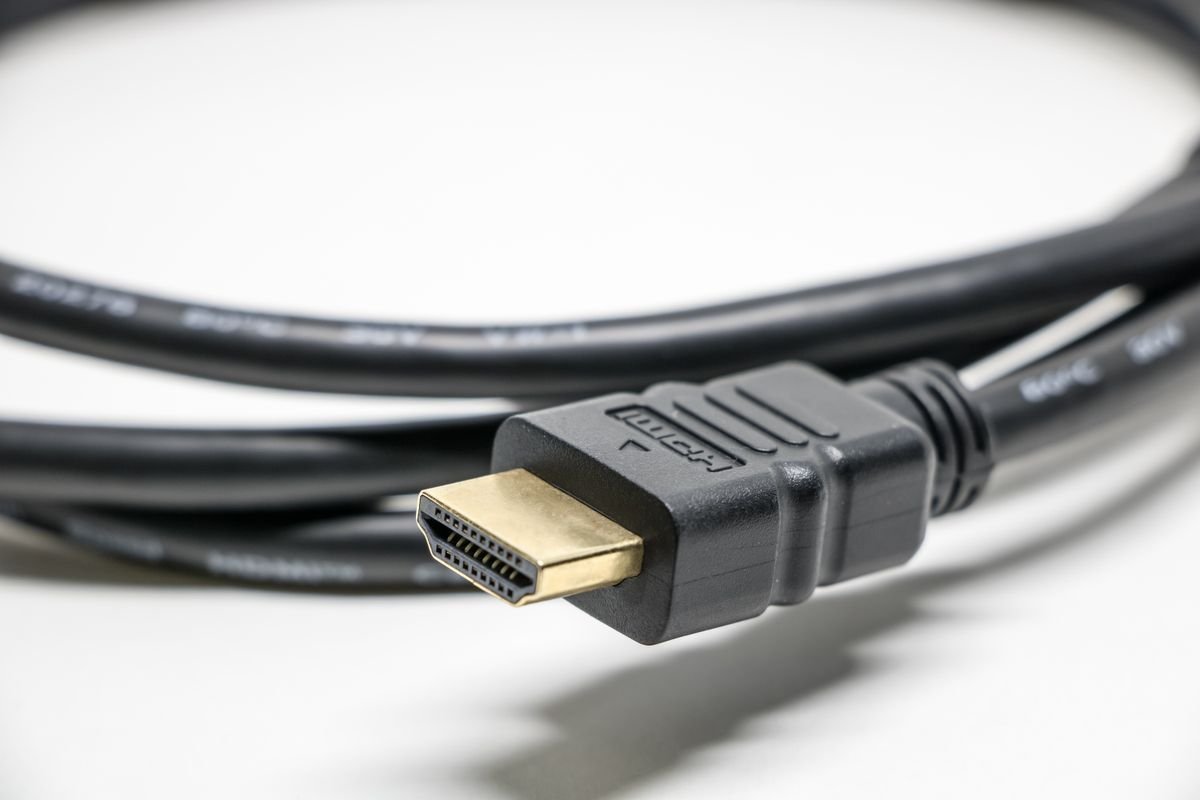
- Connect the MAG box — plug it into your TV via HDMI, and connect to your internet via Ethernet cable (recommended for stability) or Wi-Fi if your model supports it
- Find your MAC address — this is displayed on the MAG box’s settings screen, or printed on a sticker on the underside of the device
- Message us your MAC address on WhatsApp — we activate your MAC address on our server and send you the portal URL
- Enter the portal URL — on the MAG box, go to Settings > System Settings > Servers > Portals, and enter the portal URL we provide
- Restart the box — after saving the portal URL, restart the MAG box. Your channel list will load automatically
MAG Box Compatible — All Models Supported
TVLine UK — Get Your Portal URL
MAG 254, 322, 324, 420 supported • 10,000+ channels • Sky Sports & TNT Sports • Free 24-hour trial
Common MAG Box Issues and How to Fix Them
Related IPTV UK Guides
Complete Guide
IPTV UK 2026 — Full Overview
Firestick Guide
IPTV on Firestick UK
Free Trial
IPTV Test Line UK — 24 Hours
Frequently Asked Questions
What is a MAG box used for?
A MAG box is a dedicated set-top box used to stream IPTV services. It connects to your TV via HDMI and to the internet via Ethernet or Wi-Fi, then loads live channels and video-on-demand through a portal URL supplied by your IPTV provider.
Do I need a MAC address for a MAG box?
Yes — every MAG box has a unique MAC address that your IPTV provider uses to activate your subscription on their server. You can find it in the box’s system settings menu or on a sticker on the device itself.
Can I use TVLine UK on a MAG box?
Yes — TVLine UK supports all common MAG box models including the MAG 254, 322, 324, and 420. Send us your MAC address via WhatsApp and we will activate it and provide your portal URL within minutes.
Is a MAG box better than a Firestick for IPTV?
Neither is strictly “better” — a MAG box is simpler and more stable because it only runs IPTV, with no app store or other software to interfere. A Firestick is more flexible since it can also run Netflix, Prime Video, and other apps alongside your IPTV player. Choose based on whether you want a dedicated IPTV device or an all-in-one streaming box.
Why is my MAG box not connecting to the portal?
The most common cause is a typo in the portal URL or a MAC address that has not yet been activated by your provider. Double-check the URL under Settings > System Settings > Servers > Portals, restart the box, and contact support to confirm your MAC address is active.
TVLine UK Verdict
★★★★★
A MAG box remains one of the simplest, most stable ways to run IPTV in the UK — no apps, no updates, just a portal URL and MAC address. TVLine UK supports every common model.